
Laboratory instrument connectivity: connecting analysers to your LIS
Plan laboratory instrument connectivity with a practical checklist for compatibility, message flows, code mapping, testing, incident recovery and supplier responsibilities.
Define what the connection needs to exchange
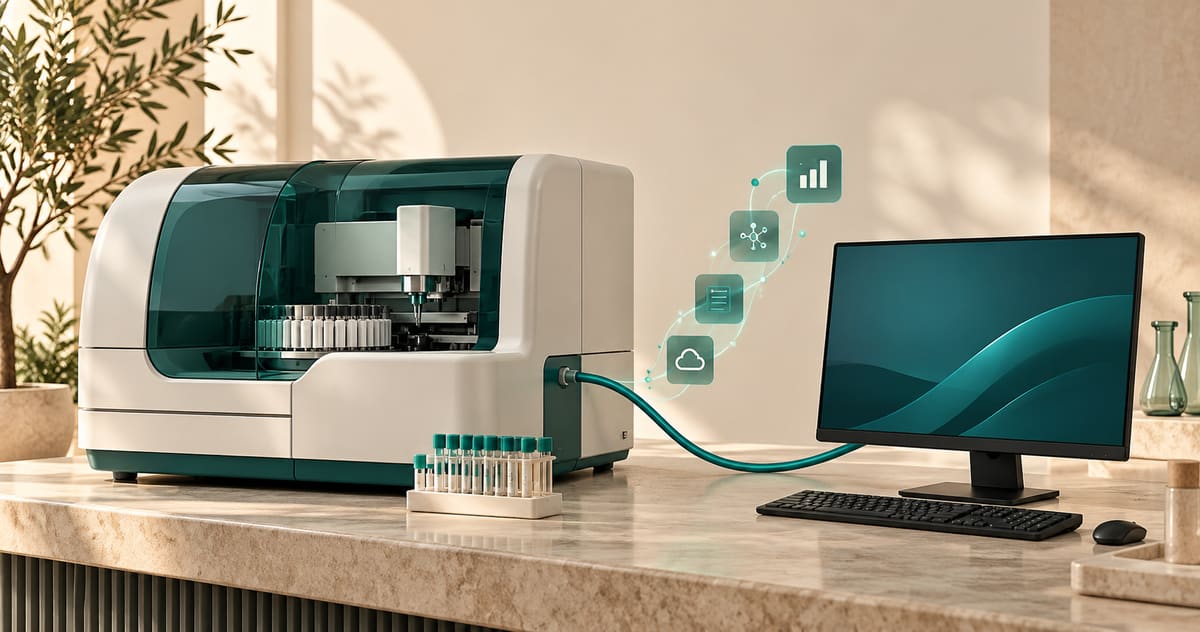
Laboratory instrument connectivity can reduce repeated data entry and help associate results with laboratory requests. Its scope depends on the analyser model, software version, interface options and agreed configuration. A connection does not automatically include bidirectional communication or every message the instrument can produce.
Start by separating two requirements: receiving results in the LIS and sending orders to the analyser. Ask the suppliers to confirm each direction separately. Technical receipt of a result does not replace the laboratory’s review and validation process.
BestMindLab’s instrument connectivity page describes compatibility assessed instrument by instrument. The checklist below prepares that assessment; it does not establish compatibility with any particular brand or model.
Prepare one equipment record per analyser
Gather the following with the instrument supplier and the person responsible for your IT environment:
- Manufacturer, model, software version and technical contact.
- Interface documentation matching that version.
- Exact protocol and version, transport method, and any required options or licences.
- Required communication directions and message types.
- Identifiers used for orders and samples.
- Test messages without identifiable patient data.
- Network, intermediary workstation and maintenance requirements.
Record who supplies each item and who may authorise changes to the instrument. An interface option in a manufacturer’s catalogue may not be enabled on your particular analyser.
Map the path of a message
For incoming results, document this flow:
Analyser → agreed interface or connector → matching to the LIS request → review and validation → report.
For bidirectional communication, add the order flow towards the analyser and the responses expected from it. This is a planning model; confirm the actual components and steps for your installation.
At each handover, ask how a failure is reported, where pending messages can be found and who handles them. A message being sent does not prove that it was correctly received and matched to the right case.
Check codes and identifiers
The same test may use different codes in the analyser and the LIS. Prepare a mapping list with the people who understand the test catalogue. Also check units, value formats, transmitted flags and the special cases needed for your work.
Consider a fictional test: the analyser returns a result for sample TEST-001, while the expected request has a different identifier. Ask how the interface makes this unmatched result visible without assigning it by guesswork. Handling should follow a controlled procedure and retain a record of the correction.
Quality-control messages must be distinguished from patient results. Have the relevant people verify whether these messages are supported and where they go. Do not assume that every analyser transmits them or that every interface processes them.
Agree acceptance tests before go-live
Agree a suitable test environment and acceptance criteria with the suppliers. Your test plan can include:
- Normal result flow: send a test result and check the value, unit, identifier and destination case.
- Orders to the analyser: when included in scope, check the received order and its association with the sample.
- Unknown identifier: check how an unmatched result is flagged and handled.
- Repeated message: verify the intended behaviour for preventing uncontrolled duplication.
- Interruption and recovery: check what remains pending and how exchanges are reconciled after service resumes.
- Special messages: test the flags or corrections actually required by your agreed scope.
For each test, retain the expected outcome, observed outcome, remaining issues and responsible person. Laboratory validation rules remain the responsibility of the authorised professionals.
Prepare for incidents and assign responsibilities
When a result does not appear in the LIS, use the checks specified in the operating procedure: identifier, exchange status and any pending-message queue. Authorised staff should perform technical checks. Avoid repeated resending or improvised mapping changes in production.
The operating record should explain:
- Who monitors communication and receives incident notifications.
- How to contact the LIS supplier and instrument supplier.
- Which fallback process is authorised during an interruption.
- How work completed during the incident is recorded and reconciled afterwards.
- Which software or configuration changes require renewed testing.
A cloud connection may still involve local components in the laboratory. Include those components in your continuity plan and your cloud or on-premise assessment.
Estimate time and cost from the actual scope
The schedule depends on documentation, technical access, licences, mapping, testing and the availability of the people involved. Request an estimate after the inventory, with dependencies and acceptance criteria. Completing one connection does not establish how much work another instrument will require.
Ask suppliers to distinguish connection, configuration, testing and maintenance costs in the proposal. BestMindLab’s project scoping page explains the information needed to discuss your requirements. If you are changing systems, include interfaces in the migration plan.
Make the demonstration useful
Bring your equipment record and three test cases: a routine result, an unknown identifier and an interruption followed by recovery. Ask what is already available, what needs assessment and what is unsupported.
To examine these requirements with BestMindLab, request a demonstration without submitting patient data. Review the laboratory workflow and features alongside the interfaces: a connection is only one part of the path from request to report.
For further reading in French, our SIL selection guide provides a comparison worksheet, and our results turnaround guide explains how to track waiting after technical receipt.
Frequently asked questions
Can every laboratory analyser be connected?
Compatibility needs to be checked against the model, version and interface options. Ask for written confirmation of the supported scope and planned tests before treating an instrument as compatible.
Does connectivity eliminate all transcription errors?
It can reduce some repeated data entry, but incorrect mapping or inconsistent identifiers still need to be addressed. Testing, monitoring and laboratory controls remain necessary.
Is there a standard installation time?
A useful estimate requires an equipment inventory and confirmed scope. Supplier availability and issues found during testing can change the schedule.
IT planning guide reviewed on 21 October 2026. Features and interfaces must be confirmed for each project. French version: Connecter un automate à votre SIL.
Let's start with a day in your laboratory.
Tell us briefly about your context. We will prepare a presentation focused on your workflows, team and equipment.
Request a demo